

18+ | Affiliate link | Terms apply | Please gamble responsibly.
Last Updated on October 1, 2026 by Maurya
Playing a new game, renewing a subscription, adding funds to a gaming wallet, or purchasing in-game currency should take only a few seconds. Unfortunately, online gaming payments do not always go smoothly.
A transaction may suddenly be declined even though your card works elsewhere. Money might leave your bank account while the game or virtual currency never appears. A payment can remain stuck on “pending,” or the platform may repeatedly ask you to verify your card.
These online gaming payment problems can be frustrating, but most have a logical explanation. The payment process involves several separate systems—including the gaming platform, payment gateway, card network, bank, authentication service, and sometimes an app store. A failure at any stage can interrupt the purchase.
The good news is that many gaming payment issues can be diagnosed without immediately contacting customer support.
Why Do Online Gaming Payments Fail?
An online gaming transaction may look simple from the player’s perspective, but several checks happen behind the scenes.
When you click Play, Subscribe, or Add Funds, the gaming platform sends payment information through its payment processor. Your bank or payment provider then decides whether to authorise the transaction. Fraud-prevention systems may also check the device, billing address, card security code, geographic location, purchase amount, and account behaviour.
Stripe, a major payment-processing provider, identifies insufficient funds, incorrect payment details, expired cards, technical problems, network interruptions, and issuer declines among the common reasons online payments fail.
Gaming platforms have similar requirements. Steam, for example, notes that payments may fail because of incorrect card information, CVV errors, banking restrictions, expired cards, suspicious transaction checks, billing-address problems, or VPN/proxy usage.
That means the error is not necessarily caused by the game itself.
- Your Card Is Being Declined
A declined debit or credit card is probably the most familiar online gaming payment problem.
It can happen even when the card has sufficient funds and works normally in physical shops.
Banks may decline online gaming transactions because the purchase looks unusual, exceeds spending limits, requires additional verification, or falls outside the types of online transactions currently enabled on the card.
Google’s payment troubleshooting guidance recommends checking available funds, confirming payment information is current, and contacting the issuing bank when a transaction continues to be declined.
Start by checking the basic details carefully.
Confirm that the card number, expiry date, cardholder name, CVV/security code, billing address, and postcode match the information held by your bank.
If everything is correct, check your banking app. Some banks display a notification asking you to approve an online transaction.
If no approval request appears, contact your bank and ask whether it blocked the transaction.
Using another supported payment method can also help determine whether the problem is connected to your card or to the gaming account itself.
- Your Billing Address Does Not Match
A surprisingly common cause of gaming payment failures is an incorrect billing address.
Card processors can use an Address Verification System to compare information submitted during checkout with information held by the card issuer.
Even a small difference can sometimes cause trouble.
Steam specifically states that a purchase can fail when billing information does not pass its address verification checks. Its troubleshooting guidance advises users to make sure the street address and postal or ZIP code match the information their bank has on file.
Google Play similarly identifies outdated billing addresses and incorrect postcodes as potential causes of declined payments.
If you recently moved home, replaced your card, or updated your banking information, your gaming platform may still have old details stored.
Open the payment settings for your gaming account and compare the billing address with your latest bank or card statement.
Do not simply enter your current residential address unless it is also the address registered with your payment provider.
- Your Card Has Expired
Stored payment methods make online gaming convenient, but they also make it easy to forget that the card saved to your account has expired.
This problem commonly appears with gaming subscriptions because the card may have been added months or years earlier.
Microsoft advises customers experiencing purchasing problems to confirm that their credit card details remain current, while Google lists expired cards among common causes of failed payments.
Check the card’s expiration month and year and update the payment method when necessary.
Even when your bank automatically sends a replacement card, the gaming service may not automatically receive the new expiry date or security code.
- You Have Insufficient Funds or Reached a Spending Limit
Not every declined gaming payment means something is technically wrong.
Sometimes the available balance is simply lower than expected.
Remember that pending transactions, subscriptions, account holds, exchange-rate differences, and other recent purchases can reduce your available balance.
Banks can also impose daily or online-purchase limits even if your overall account balance is high enough.
Steam notes that banks may limit either the number of online transactions or the total amount that can be spent online during a particular period.
Check the available balance, rather than only the headline balance displayed by your banking app.
If funds are available but the transaction remains blocked, check whether your bank offers separate settings for online purchases, international transactions, or card spending limits.
- 3D Secure Authentication Failed
Some gaming purchases require additional security verification.
You may be asked to enter a one-time code, approve the payment through your banking app, use biometrics, or complete another authentication step.
This is commonly associated with 3D Secure (3DS).
Visa describes 3D Secure as a system that allows information to be exchanged between merchants and card issuers to help authenticate cardholders and reduce unauthorised online transactions.
If authentication fails, the payment may be rejected even if every card detail is correct.
PlayStation also acknowledges that 3D Secure authentication issues can cause store payments to be declined and advises affected customers to contact their bank or card provider when authentication cannot be completed.
Make sure your bank has your current mobile number and email address. Check your banking app for an approval notification and temporarily disable aggressive browser settings or extensions that may prevent authentication windows from appearing.
Microsoft also notes that pop-up blocking or security software can interfere with some payment-confirmation processes.
- Your Payment Is Pending but the Purchase Failed
One of the most confusing situations occurs when the gaming platform says a payment failed but your banking app still shows a charge.
Before assuming you have been charged twice or lost your money, look carefully at the transaction status.
It may be a pending authorisation, not a completed payment.
During an online purchase, a bank can temporarily reserve funds while checking whether the transaction should be completed.
If the merchant later rejects the purchase, the authorisation can remain visible until the bank releases it.
Steam explains that a failed transaction can still produce a temporary pending charge, particularly when address or CVV verification fails. Steam says it does not collect the funds in those cases and that release timing depends on the bank.
Avoid repeatedly attempting the exact same payment while several authorisations are pending.
Instead, check whether each charge says pending, processing, or completed. If a charge becomes fully completed but the gaming purchase is still missing, gather the transaction details and contact the gaming platform.
- Money Was Taken but the Game or In-Game Item Is Missing
Another common problem is a successful-looking payment followed by missing content.
You may have bought virtual currency, downloadable content, a game, battle pass, subscription, cosmetic item, or account credit without receiving it immediately.
First, check your gaming account’s transaction or purchase history.
PlayStation recommends checking transaction history when purchased content or wallet funds do not appear as expected.
For mobile games purchased through Google Play, Google recommends confirming connectivity and contacting the app developer when an in-app purchase does not appear or work correctly after purchase.
It is also worth restarting the game and signing out and back into the correct account.
Some purchases need to synchronise between the payment service and game server before appearing.
If the transaction is shown as successful but the content remains missing, contact the game’s official support team with your order number or receipt. Avoid sharing complete card details, passwords, verification codes, or other sensitive credentials.
- VPN or Location Settings Are Causing the Payment to Fail
Regional differences are particularly important in digital gaming.
Prices, taxes, currencies, payment methods, and product availability may vary between countries.
Using a VPN or proxy can therefore create inconsistencies between the location associated with your gaming account, your IP address, and your payment method.
Steam explicitly recommends disabling VPN or proxy software when purchases fail and states that transactions initiated through anonymous proxies are declined by its system.
PlayStation also notes that cards registered in a different region may not always be accepted.
If you are travelling or recently moved to another country, check the platform’s official region and store-country rules before changing anything.
Do not use location-changing software simply to bypass regional payment restrictions. It may violate the platform’s terms and can create additional billing problems.
- The Gaming Platform Is Experiencing an Outage
Sometimes there is nothing wrong with your card, bank, or gaming account.
The payment service itself may be temporarily unavailable.
Payment processors can experience network problems, system outages, maintenance, or software errors that interrupt transactions.
Gaming platforms can experience similar problems.
PlayStation, for example, recommends checking its service-status information when users cannot add funds to their wallets.
If multiple payment methods suddenly fail, especially when other users are reporting similar problems, stop retrying the transaction repeatedly.
Check the platform’s official status page or support channels and try again after services return to normal.
- Your Account Has a Payment Restriction or Unpaid Balance
A payment issue can sometimes be connected to the account rather than the individual transaction.
An unpaid subscription, unresolved previous purchase, verification request, account restriction, family-control setting, or temporary security hold may prevent new transactions.
Microsoft recommends checking for overdue subscriptions and account restrictions when Store purchases fail.
Apple likewise explains that an unpaid previous purchase may prevent new purchases or even interfere with subscriptions until the outstanding balance is resolved.
Review your account notifications, subscription page, purchase history, and payment settings for warnings that need attention.
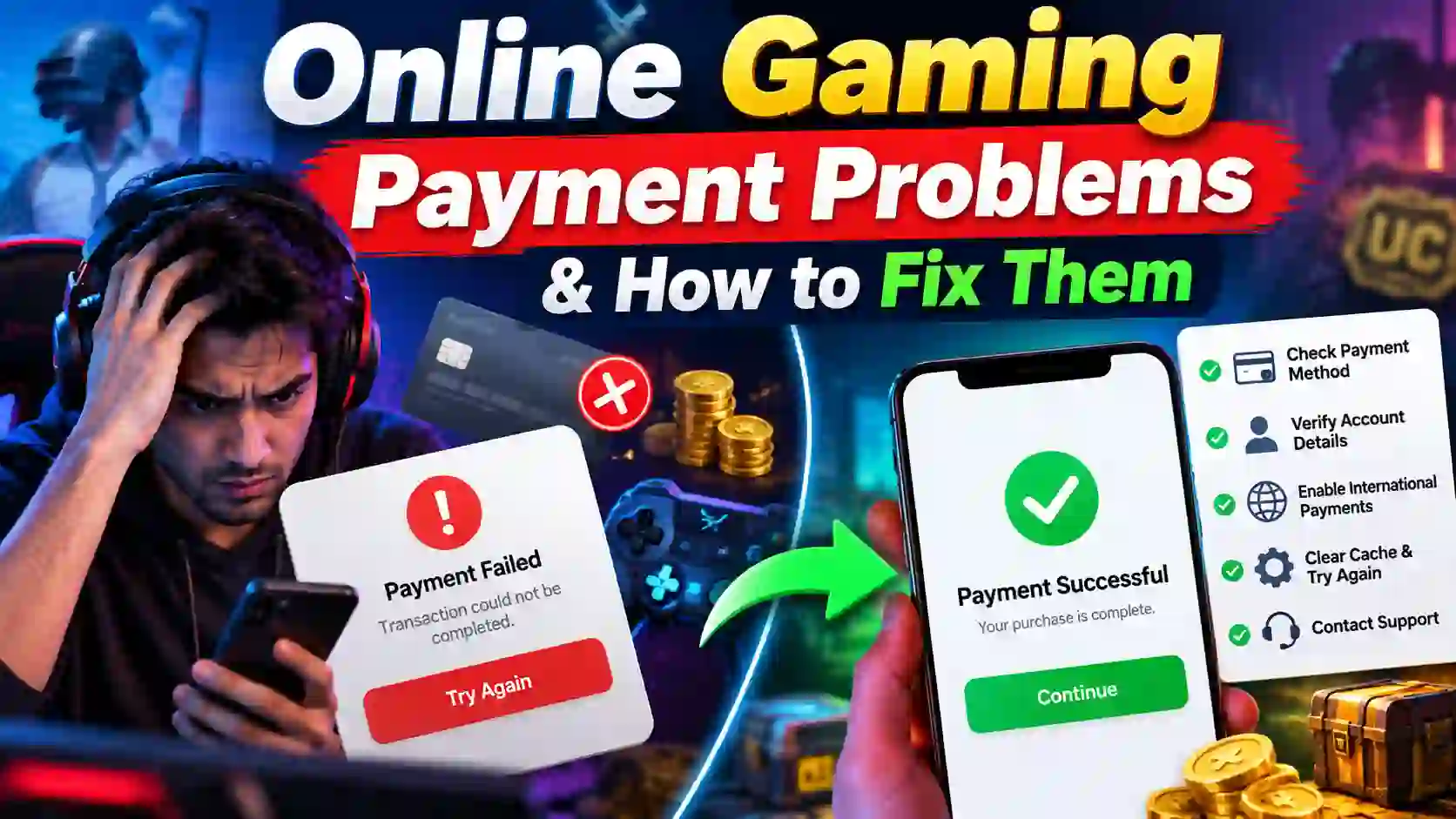
A Safe Step-by-Step Checklist for Fixing Gaming Payment Problems
When a gaming transaction fails, use this order rather than randomly changing account settings:
- Read and save the exact error message before closing the payment window.
- Check whether the transaction is failed, pending, or completed in your bank account.
- Confirm that you have enough available funds or credit.
- Recheck the card number, expiry date, security code, billing address, and postcode.
- Look for an authentication request in your banking app, SMS messages, or email.
- Confirm that the card is enabled for online and, if relevant, international purchases.
- Disable VPN or proxy services and reconnect using your normal network.
- Check the gaming platform’s official service-status page.
- Try one supported alternative payment method rather than repeatedly submitting the same failing card.
- If the bank confirms the payment was authorised but the purchase is missing, contact the gaming platform with the transaction ID, date, amount, account name, and screenshots of the error where appropriate.
Following a structured process is safer than repeatedly retrying a payment, which may create additional pending authorisations.
Are Online Gaming Payments Safe?
Payments through established gaming platforms are generally processed using modern payment-security systems, but players still need to protect their own accounts.
One important industry standard is the Payment Card Industry Data Security Standard (PCI DSS). The PCI Security Standards Council describes PCI DSS as a baseline of technical and operational requirements designed to protect payment-account data for organisations involved in storing, processing, or transmitting cardholder information.
As a player, you do not need to understand every payment-security standard. You should, however, use official game stores and authorised payment pages whenever possible.
Be suspicious of websites asking you to provide account passwords, one-time banking codes, complete card details through chat, or payment outside the platform in exchange for unusually cheap gaming currency or items.
Enable two-factor authentication on important gaming accounts and your email account where available.
When Should You Contact Your Bank?
Contact your bank when the gaming platform says the card issuer declined the payment, when you cannot complete required authentication, or when you see a completed transaction you do not recognise.
Some decline reasons cannot be diagnosed by the gaming company.
For example, Stripe notes that merchants may receive generic bank decline codes without being told the underlying reason. In those situations, the cardholder may need to contact the issuing bank directly.
Tell the bank the merchant name, purchase amount, approximate time, and date of the attempted transaction.
Never give banking passwords, PINs, or one-time security codes to someone claiming to be game support.
When Should You Contact the Gaming Platform?
Contact the gaming platform when your bank confirms that the payment was completed but the game, subscription, wallet funds, or virtual items were not delivered.
You should also contact platform support when your account displays a billing restriction, the same payment method works elsewhere but consistently fails on that specific platform, or an official error message explicitly directs you to support.
Provide enough information for support to locate the transaction, but avoid sending unnecessary sensitive payment information.
Order IDs, receipts, transaction dates, purchase amounts, account usernames, and screenshots of error messages are usually much more useful than complete card details.
FAQs
Why is my card being declined when I have money?
Having enough money does not guarantee approval. Your bank may block the transaction because of online-spending settings, fraud protection, transaction limits, incorrect billing information, authentication requirements, or regional restrictions. Check your banking app and contact the card issuer if the decline continues.
Why was I charged even though my gaming payment failed?
The amount may be a temporary authorisation rather than a completed charge. Your bank can reserve funds while processing a transaction and release them later if the merchant rejects the payment. Check whether the transaction is shown as pending or completed before submitting a dispute.
Why can’t I make in-game purchases?
Possible reasons include outdated payment information, insufficient funds, app-store restrictions, account verification requirements, poor connectivity, regional restrictions, parental controls, or a problem with the game server or payment provider.
How long should I wait after a failed gaming payment?
There is no universal waiting period. If the platform specifically tells you to wait, follow its guidance. PlayStation, for example, recommends waiting 24 hours before retrying in certain card-information situations. If your bank shows a pending authorisation, the release schedule is controlled largely by the bank’s processing rules.
Can I use another payment method if my card keeps failing?
Usually, yes, provided the gaming platform supports another option in your country or region. Depending on the service, alternatives may include another debit or credit card, digital wallets, account balance, gift cards, mobile billing, or other local payment services. Available methods vary by platform and country. Apple, PlayStation, Google, and other major platforms publish region-specific payment information.
Should I keep retrying a declined gaming transaction?
No. Repeated attempts are unlikely to solve an underlying bank, authentication, billing, or account problem and may result in additional temporary authorisations. Steam specifically advises users not to repeatedly spam failed purchase attempts. Diagnose the reason first and then retry after correcting it.
Final Thoughts
Online gaming payment problems can come from many different sources, but most fall into a handful of categories: incorrect payment information, bank declines, insufficient funds, authentication failures, regional conflicts, temporary service outages, account restrictions, or delays between successful payment and delivery of digital content.
The key is to determine where the transaction failed.
If your bank rejected the payment, start with your card issuer. If the payment completed but the game or virtual item never arrived, contact the gaming platform. If the charge remains pending, check its status before assuming money has permanently left your account.
Most importantly, avoid repeatedly submitting a failed transaction or sharing sensitive financial information with unofficial support channels.
A methodical approach—checking payment details, authentication, account status, network conditions, regional settings, transaction history, and official service status—will resolve many gaming payment issues while protecting both your money and your gaming account.
ADVERTISEMENT

18+ | Affiliate link | Terms apply | Please gamble responsibly.


